
Practical audio examples

Music Remover Examples Free of Guesswork

These music remover examples free you to focus on a specific goal: making speech easier to hear when music competes with it. Compare three common situations, then listen closely before deciding whether the result is usable.

Review the result before sharing
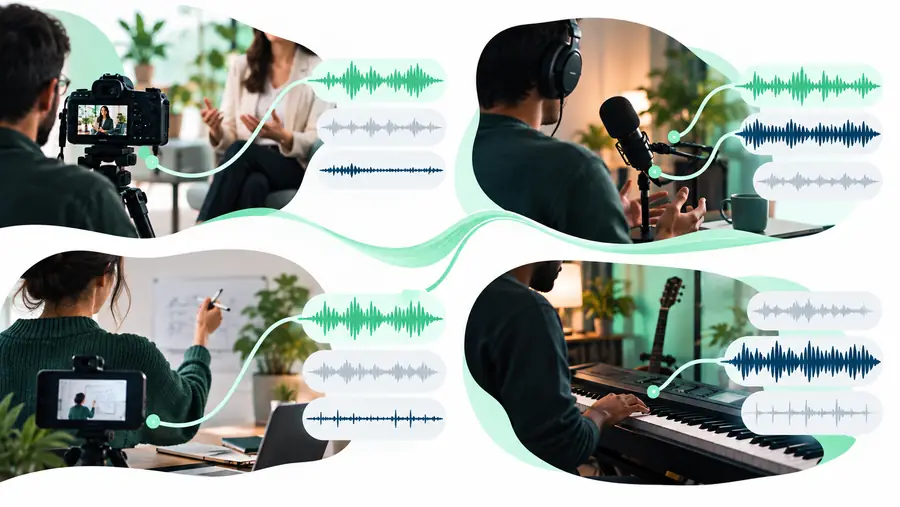
Musicremover landing-page visual illustrating voice and music separation

When music gets in the way of the message

A useful result depends on what you need to preserve. Speech recorded over a soundtrack, a mixed podcast intro, and a song with vocals each call for a different listening check.

Video editor

An interview clip has a music bed that makes quiet answers hard to follow. Work from an audio copy and compare the original with the processed version at the same playback volume.

For clips whose soundtrack is embedded in the picture, music remover from video explains why the audio may need to be handled separately.

music remover from video

Podcaster

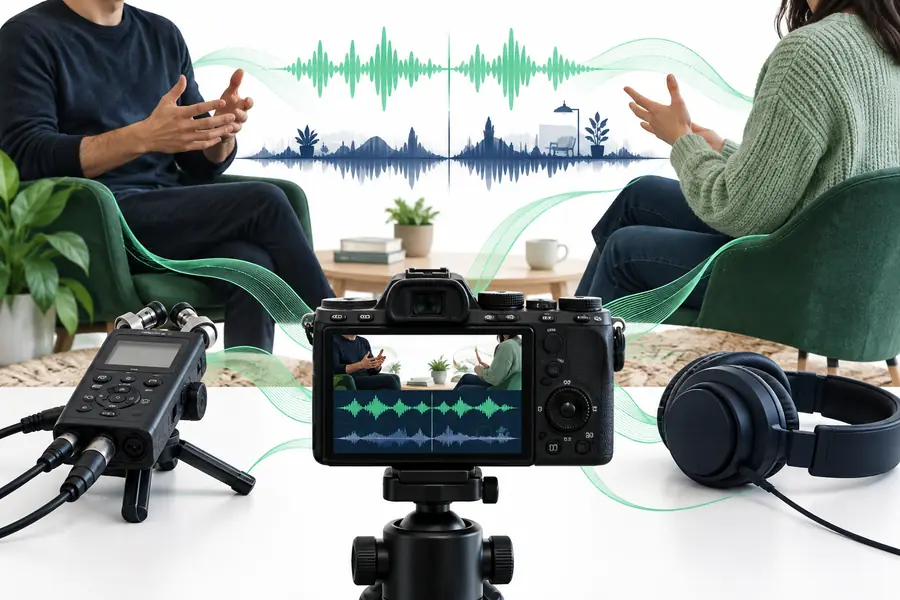
A guest's voice overlaps an intro track in a single mixed recording. Listen for softened consonants, unnatural pauses, and bits of music left under the voice.

For an audio-only recording, music remover from audio covers the input and listening checks that matter most.

music remover from audio

Teacher

A lesson recording includes background music beneath an explanation. Test a short excerpt first so you can judge whether students can still understand every important word.

If access conditions matter before you test a clip, free music remover online outlines what to verify rather than assuming a tool has no limits.

free music remover online

Three concrete workflows to try

Use a short, representative excerpt for the first pass. An easy sentence alone may hide problems that become obvious during a pause, a quiet word, or a louder musical passage.

    • Illustration of an interview audio example
      Spoken video

      Recover speech from an interview

      Choose a passage where the speaker is quiet and the background track is prominent. After processing, listen to the opening and final syllables of each answer. A lower music level is helpful only if the speaker remains understandable.

      1. Keep an untouched copy of the source recording.
      2. Test a short section with both soft speech and audible music.
      3. Compare both versions at matched volume, then check for missing words and metallic voice artifacts.
      Try interview audio
    • Illustration of a podcast audio example
      Podcast audio

      Clean a podcast transition

      Test the point where an intro track fades under a host's first sentence. Pay attention to the transition itself: a useful result should not make the voice suddenly change tone or leave a distracting musical fragment between words.

      1. Select the transition rather than an isolated section of speech.
      2. Check the first spoken phrase and the gaps between phrases.
      3. If the transition sounds uneven, consider editing around the music instead of relying on separation alone.
      Try podcast audio
    • Illustration of a presenter audio example
      Presenter audio

      Assess a presenter clip

      Use a segment that includes both narration and a music swell. Listen for changes to the presenter's voice during the swell; reducing the soundtrack does not guarantee that the original speech can be recovered cleanly.

      1. Identify the loudest point of overlap.
      2. Compare speech clarity before and after processing.
      3. Retain the original if the processed version loses words needed for the message.
      Try presenter audio

    Example outputs and what to listen for

    These visuals illustrate input situations, not verified audio results. Treat any processed version as a listening test: music may remain, and parts of a voice may change along with it.

    scroll
    1. Landing-page example visual for a spoken-word audio case 1 Speech
      Input: a voice speaking over steady background music. Compare word endings and the spaces between sentences; those are common places to notice either leftover music or altered speech. Listening check: speech continuity
    2. Landing-page example visual for a mixed-audio case 2 Mixed audio
      Input: a short clip where the music becomes louder midway through a sentence. Check the same phrase on both sides of that change rather than judging only the quieter opening. Listening check: loudness change
    3. Landing-page example visual for a podcast-style case 3 Podcast
      Input: a spoken introduction with a soundtrack fading beneath it. Listen to the fade and the first pause for musical remnants, abrupt silence, or a shift in voice tone. Listening check: transition
    4. Landing-page example visual for a music-heavy clip 4 Music-heavy
      Input: a brief passage dominated by music with only a few spoken words. If those words are unclear in the source, do not assume a separation pass can reconstruct them accurately. Listening check: intelligibility

    Check rights and privacy before sharing

    Test with a clip you are allowed to use

    Removing or reducing music does not erase the rights attached to a recording, composition, performance, or video. Before uploading someone else's material, check that you have permission and review the destination service's handling of files. Keep your original, compare the processed audio carefully, and obtain any permissions needed for the way you plan to publish it.

    Try an audio clip
    • Use material you have permission to process.
    • Check whether speech remains accurate and intelligible.
    • Confirm sharing rights independently of the audio result.

    Questions about trying these examples

    Access terms depend on the service you choose, so check its current conditions before uploading a file. Start with a short clip you have permission to use, and inspect the result before committing to a longer edit.

    Pick a short passage where speech and music clearly overlap. Include a quiet word, a pause, and a louder moment so you can hear whether separation helps across the whole passage.

    Not necessarily. When voice and music share frequencies in a mixed recording, processing can affect parts of the speech as well as the soundtrack. Compare both versions at similar volume and listen for missing syllables or an unnatural voice tone.

    A finished mix may combine music and speech so closely that separating them cleanly is difficult. Reverb, effects, and sounds that resemble a voice can also complicate the result. A quieter soundtrack can still be useful, but it is not the same as complete removal.

    An edited recording can still be subject to rights held by other people. Check permission for the source audio, any remaining music, and the intended publication before sharing. Audio processing itself does not grant a license.

    Start creating
    Start creating